Your licence application on LicenceMap
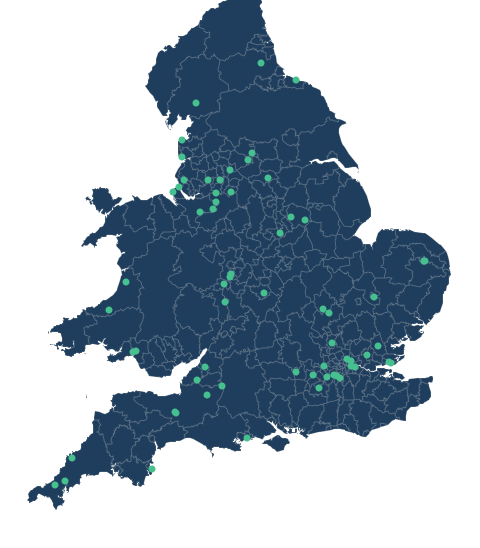
When you apply for a premises licence, or to change one, the council publishes a notice. LicenceMap shows that notice on a map, as the council published it. Here is what that means for you.
Where your notice comes from
Councils publish every licence application on their website, and the applicant puts a notice up at the premises. We read those public notices and show the facts the council published: the premises, what was asked for and when comments close. We add nothing about you that the council did not publish, and each notice links to the council's own.
Comments and what happens next
Anyone can comment on an application while the comment period is open, usually 28 days from the notice. Comments go to the council, not to LicenceMap. The council's licensing team can tell you what has been received and whether a hearing is needed. Your notice's page shows when comments close and, once the council publishes it, the decision.
Putting something right
If our copy of your notice is wrong, open it and choose “Report a problem with this notice”. We check it against the council's notice and correct our reading. If a notice names you as a person, choose “This names me”: our privacy team replies within a month and can hide what names you. Only the council can change its own record.
Why suppliers may get in touch
Suppliers who sell to new venues, such as drinks, card machines, security and fit-out, use LicenceMap to hear about new applications in their area, so some may contact you. We never contact you on their behalf, and you can ask any supplier who contacts you to stop.
See what opens near you
A free account shows the applications around your venue on the map and emails you new ones in your area.
Groups with several sites
Estate watch sends a morning email when a new venue or a late-hours change applies near one of your sites, and when any notice names a site itself.