One list of leads for the whole team
Invite the people you work with and everyone works the same list: who owns each lead, what was said, and what is due. On Team, each person has an area of their own, and a report shows what the leads brought in.
What it does
- Invite people as owner, admin or member
- Shares leads, owners, notes and saved filters across the team
- Gives each person their own area, so nobody works the same council twice
- Reports leads worked, meetings and wins by month and by person, over 12 months
- Emails the report to owners and admins on the first of each month
- Downloads the report as a spreadsheet
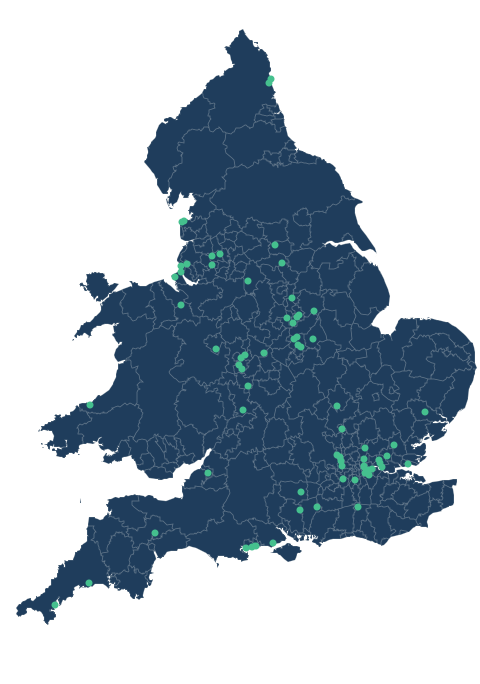
On this week's venues
Team
Invite the people you work with. Leads, notes and filters are shared, and on Team each person has an area of their own.
| Person | Role | Their area |
|---|---|---|
| You | Owner | South West |
| Sam | Member | Cornwall Council |
| Priya | Member | Bristol City Council |
Results
Leads worked, meetings and wins by month and by person, so you can see what LicenceMap brings in.
| Month and member | Leads worked | Meetings | Wins | Won value |
|---|---|---|---|---|
| November 2026 | 14 | 4 | 2 | |
| October 2026 | 22 | 7 | 3 | |
| September 2026 | 18 | 5 | 2 |
Example figures. The venues are real and shown in full; a free account opens every one near you. Open the full example
Which plan has it
Pro has three people and Team has five, and both can add more. An area for each person and the results report are on Team.
Who uses it
- Drinks wholesalers and breweries: new on-trade and off-licence accounts, by area.
- Card payment consultants: be first through the door before opening day.
- EPOS and till resellers: find new venues before they choose a till.
- Commercial builders and contractors: commercial work before it goes out to tender.